Situs ini menggunakan cookies untuk meningkatkan pengalaman Anda.
Dengan menggunakan situs ini, Anda telah menyetujui penggunaan cookies dari Kami.
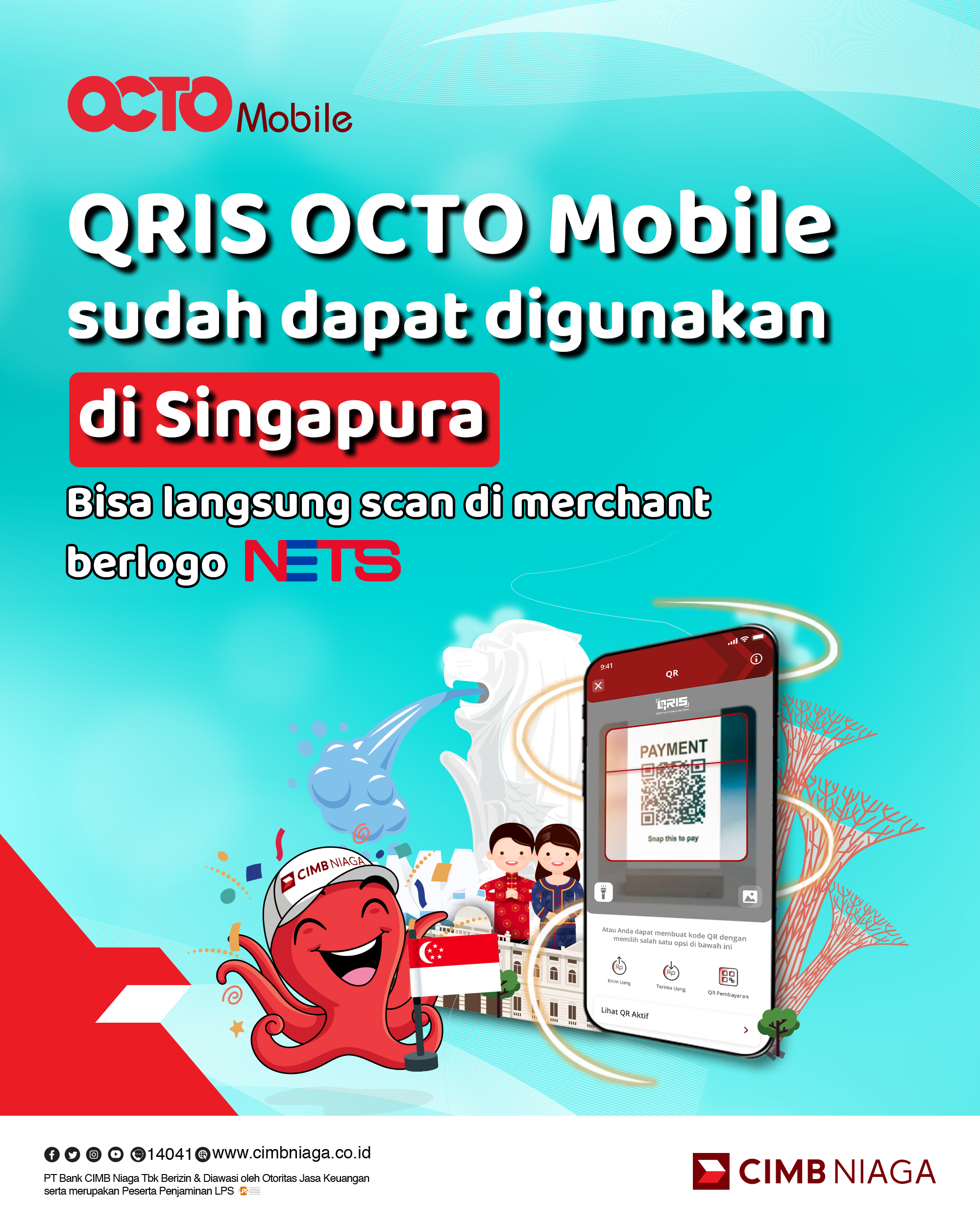
QRIS OCTO Mobile Can Be Used in Singapore
17 Nov 2023 - 31 Des 2026
Payment Steps with QRIS OCTO Mobile in Singapore:
Select the 'Pay QRIS' menu on the OCTO Mobile app.
Scan the QR code at the merchant where the transaction will take place (payment can be made with a QR code issued by NETS).
Choose the source of funds for the transaction (only applicable for IDR Savings Account & OCTO Pay).
Confirm the transaction amount and enter the OCTO Mobile PIN if everything is correct.
*The amount will appear in both foreign currency (SGD) and Rupiah (IDR), using the exchange rate applicable at the time the customer makes the transaction.







 17 Nov 2023 - 31 Des 2026
 Payment Steps with QRIS OCTO Mobile in Singapore: